Music
Grand Piano Keyboard&Metronome
By Ringtones LLC
About Grand Piano Keyboard&Metronome
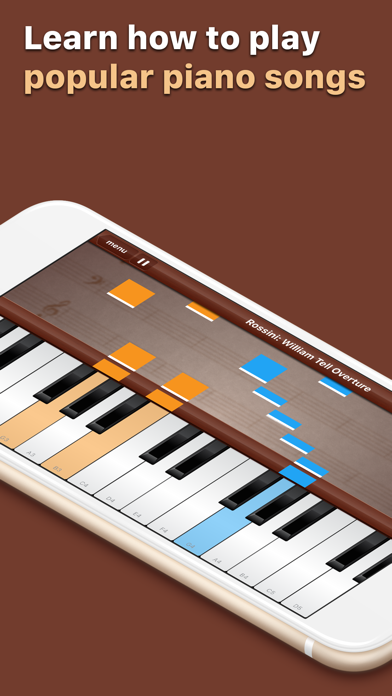
Learn how to play popular songs on your iPad & iPhone. Choose from a selection of regularly updated songs. FEATURES • Sophisticated learning mode • Popular songs regularly updated • Play/pause while learning • Hand selection, left hand, right hand or both • Watch mode, sit back and listen • Change learning speed • Free play mode, use as a regular piano • Full size 88 key keyboard • Scrollable keyboard • Integrated metronome • Customizable piano sound • Sharing with your Facebook friends • Tested and designed for the latest Apple phones and tab…
Read full description
FEATURES
• Sophisticated learning mode
• Popular songs regularly updated
• Play/pause while learning
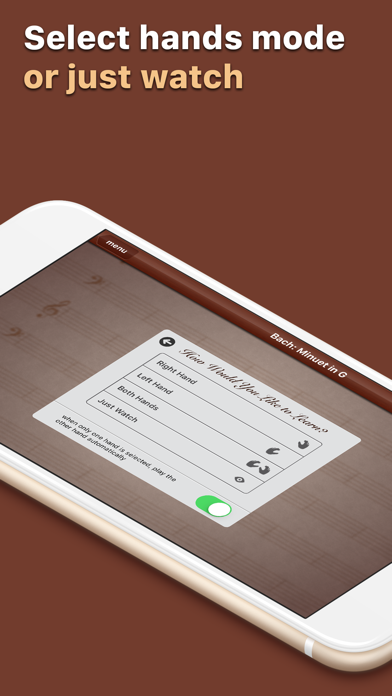
• Hand selection, left hand, right hand or both
• Watch mode, sit back and listen
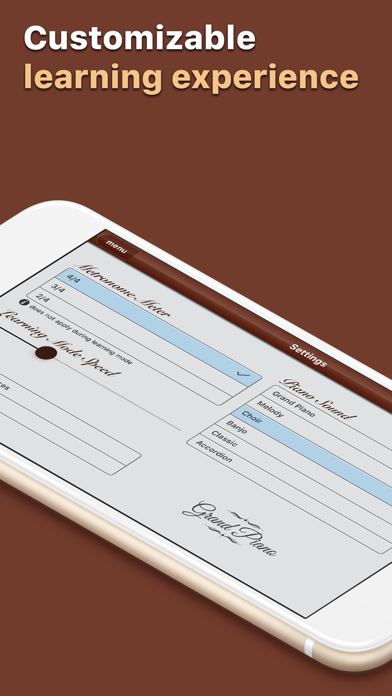
• Change learning speed
• Free play mode, use as a regular piano
• Full size 88 key keyboard
• Scrollable keyboard
• Integrated metronome
• Customizable piano sound
• Sharing with your Facebook friends
• Tested and designed for the latest Apple phones and tablets
CURRENT SONGS - Bach: Minuet in G - Tchaikovsky: Swan Lake - Beethoven: Ode To Joy - Offenbach: Infernal Galop - Rossini: William Tell Overture - Vivaldi: Springs - Tchaikovsky: Trepak - Mozart: Eine Kleine Nachtmusik - Beethoven: Für Elise - Verdi: La Donna È Mobile - Mexican Hat Dance - The Ants Go Marching - Frère Jacques - The Farmer In The Dell - Bingo - Happy Birthday - Sweetly Sings The Donkey - Yankee Doodle - Alouette - Camptown Races - If You're Happy And You Know It - Oh, Susanna - Snake Dance - Wee Falorie Man - For He's A Jolly Good Fellow - Old MacDonald - London Bridge - Itsy Bitsy Spider - Twinkle Twinkle Little Star - All Through The Night - All The Pretty Little Horses - Hush Little Baby - Mary Had A Little Lamb - The First Noël - Jingle Bells - Silent Night - We Wish You A Merry Christmas - MORE COMING SOON!
INSTRUCTIONS
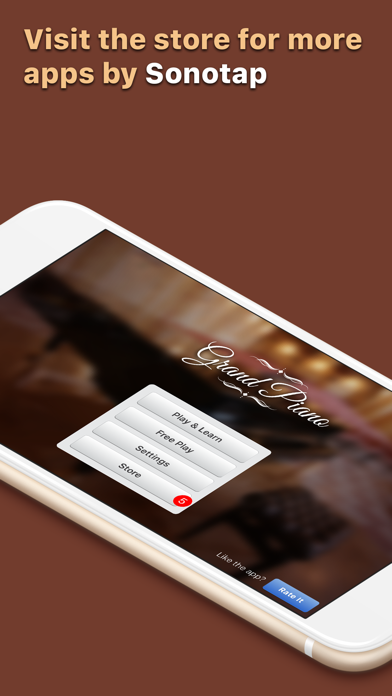
1. Select Play & Learn from the menu
2. Select the song you like from the songs list
3. Choose the hand you want to practice
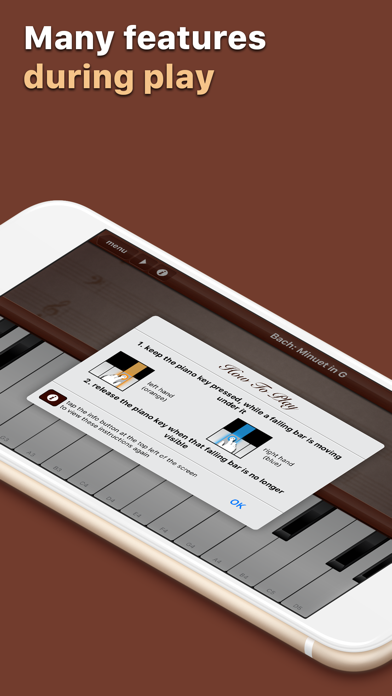
4. Tap on a piano key while a falling bar moves behind it
5. Release the piano key when the falling bar has disappeared
CONTACT US
If you have any problems or questions contact us at grandpiano@sonotap.com
Do not forget to visit http://sonotap.com to discover more apps for your iPhone & iPad.
A closer look
What’s new in version 1.9.6
- Ads no longer appear over the piano keys or controls - the banner now lives only on the menu screen, anchored at the bottom.
- New privacy consent flow for users in the EEA/UK, plus a menu option to change your privacy choices anytime.
- Updated ads and privacy frameworks; bug fixes and performance improvements.