Photo & Video
Gone - Delete All Photos
By Tiny Whale Pte. Ltd.
Download on theApp Store ↗$7.99 · US storefront
App Store rating★ 4.58 ratings
Age rating4+Apple content rating
CompatibilityiOS 15.6+Check your device
Version1.8Updated 2026-08-28
About Gone - Delete All Photos
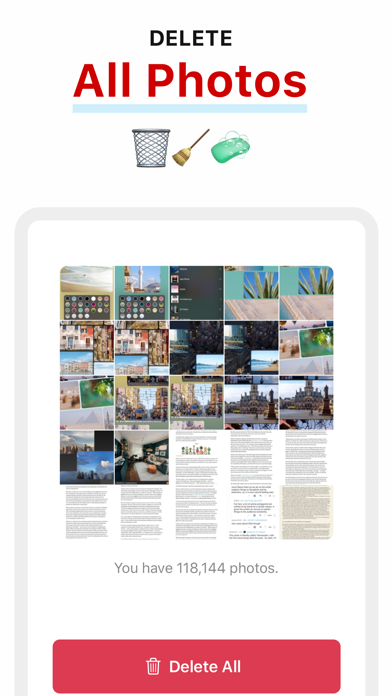
Deleting 20 photos is easy. Deleting 20,000 or more isn’t. You need to select every individual photos. And then sometimes Photos app crashes, or simply doesn’t delete those photos. If you’ve ever tried, you know the pain.
This app allows you to:
- Delete all photos in your Photos Library with just a few taps.
- Delete selected albums.
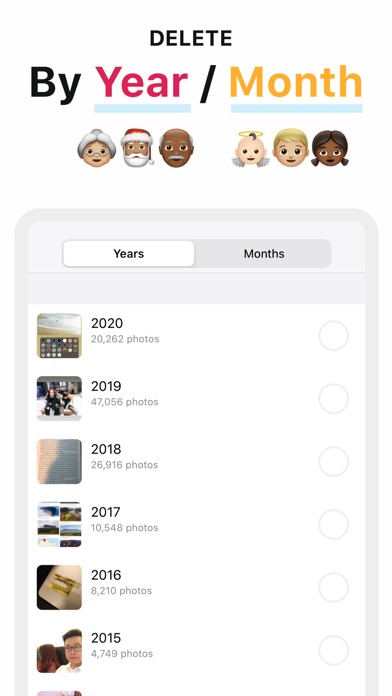
- Delete photos by month or year.
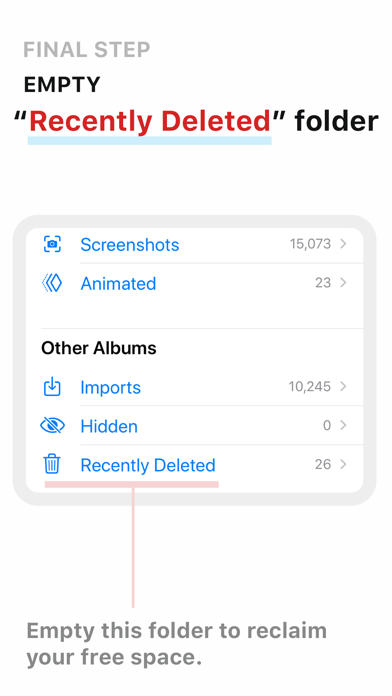
Note: to permanently delete photos from your phone, you will need to do an extra step. Go to “Recently Deleted” section in Photos app and choose “Delete All”.
This app allows you to:
- Delete all photos in your Photos Library with just a few taps.
- Delete selected albums.
- Delete photos by month or year.
Note: to permanently delete photos from your phone, you will need to do an extra step. Go to “Recently Deleted” section in Photos app and choose “Delete All”.
A closer look


What’s new in version 1.8
Bug fixes.